I missed a lead last year because I forgot to follow up.
Not a complicated situation. Someone filled out my contact form on a Thursday evening. I saw the notification, got pulled into something else, told myself I’d reply in the morning, and then completely forgot. They reached out to someone else. I found out a week later when they mentioned it in a reply to a different email.
That’s the kind of thing that happens when you’re running a business alone. You’re doing everything, and follow-up falls through the cracks.
So I automated it.
What I actually built
I use n8n for most of my automation work. It’s the same tool I recommend to clients and the one behind my free workflow templates. So that’s what I used here.
The setup is simple. When someone submits the contact form on this site, n8n catches the form data via a webhook and kicks off a three-step sequence:
-
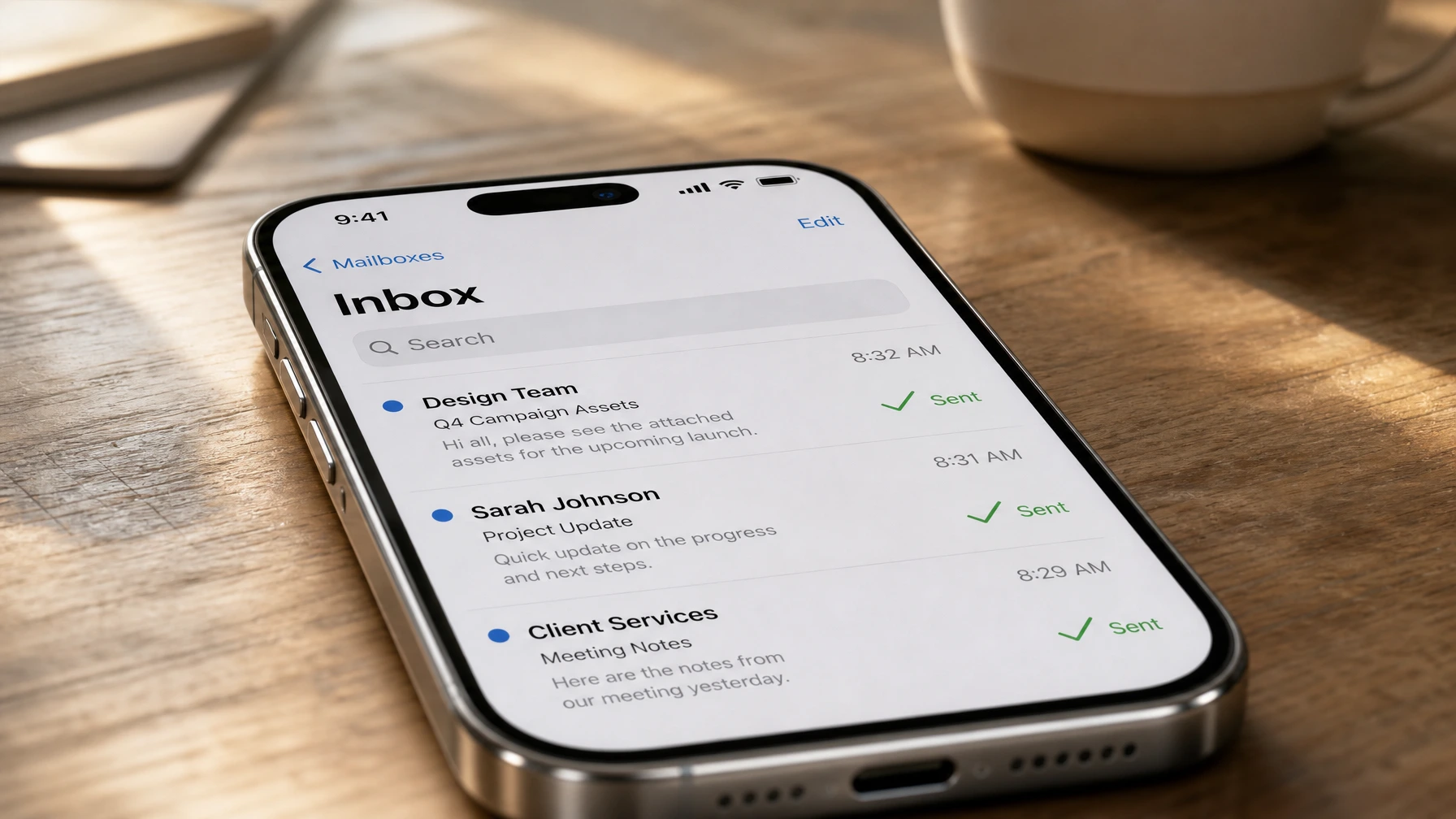
An immediate confirmation email. Sent within seconds of the form submission. It tells the person I got their message, what they can expect, and roughly when I’ll be in touch. No sales pitch, just an acknowledgement.
-
A follow-up email 48 hours later. If I haven’t marked the lead as replied in my sheet, this goes out automatically. Short message, maybe three sentences. Just checking in, offering a link to schedule a call if they want to skip the back-and-forth.
-
A final nudge at day seven. One more email, even shorter. Something like: “Still happy to help if the timing works. No pressure either way.”
That’s the whole thing. Three emails, two of which are automated. The first real human interaction is still mine.
What actually happened
I launched this in January and I’ve been running it since. A few things surprised me.
The immediate confirmation made a bigger difference than I expected. I heard back from two people within an hour of their form submission. Not because I replied fast, but because the confirmation email felt like a real response. One of them said they’d been on the fence between me and another designer, and the quick reply made them feel like I’d actually be responsive as a client. That one email probably closed a job.
The 48-hour follow-up email has a reply rate I didn’t expect. About one in five people who don’t reply to my first real email end up responding to the automated follow-up. That’s not a huge number, but those are leads I would have just lost before. A few of those have turned into actual clients.
The seven-day email almost never gets a reply. I’ve gotten maybe two responses to it in six months. I keep it anyway because it costs nothing to send and occasionally one lands right when someone was about to give up on finding help.
The honest part
This didn’t change my business overnight. I’m not closing twice as many clients because of automation. Most of the improvement is quieter than that.
What it actually did was remove one recurring failure point. Before, I was dropping follow-ups because I was busy. Now I’m not. That’s it. It’s not magic. It’s just one less thing to forget.
This also only works because the emails sound like me. If I’d set up some generic “Hello, thank you for contacting us” sequence, people would tune it out. The first email mentions what they asked about. The second one is short enough that it reads like a real person wrote it quickly. If your automation sounds like a robot, it’ll perform like one.
What the setup cost me
The n8n workflow took about two hours to build and test. I was already hosting n8n on my own setup, so there were no new software costs. If you’re starting from scratch, n8n cloud runs around $20/month. Still cheaper than most CRM tools, and you own the workflow.
I also spent maybe an hour writing the three email templates. That’s the part most people underestimate. The tech setup is quick. Getting the tone right takes longer.
Total time: three hours spread over one afternoon.
Whether this makes sense for your business
If you’re getting more than a handful of inbound leads a week and you’re not following up with all of them, this is worth doing. The math is simple: if you’re dropping even one decent lead a month because you forgot, an afternoon of automation pays for itself.
If you’re getting two or three inquiries a month, an automated sequence is probably overkill. A Gmail draft template you paste and send is faster to set up and good enough.
The San Gabriel Valley businesses I work with tend to fall somewhere in between. A decent number of leads, no dedicated sales person, and an owner who’s too busy to be the follow-up person every single time. That’s the exact situation this kind of setup was built for.
How to get started
If you want to try something similar, the fastest path is the free n8n workflow templates I’ve already put together. One of them is a contact form to email notification setup that’s most of the infrastructure for this. You can extend it with the follow-up steps without starting from zero.
If you want help building the actual sequence, I can handle the webhooks, the logic, and the email templates. That’s part of an AI Starter project. Most of these take one or two sessions to build and test.
Or just start simple: write one follow-up email template, put a reminder in your calendar for 48 hours after every form submission, and send it manually for a month. If it works, automate it. If it doesn’t, you’ve spent almost nothing finding out.
Want to talk through whether this kind of setup makes sense for your business? Book the free 30-minute chat. I’ll be honest if it’s not worth your time.