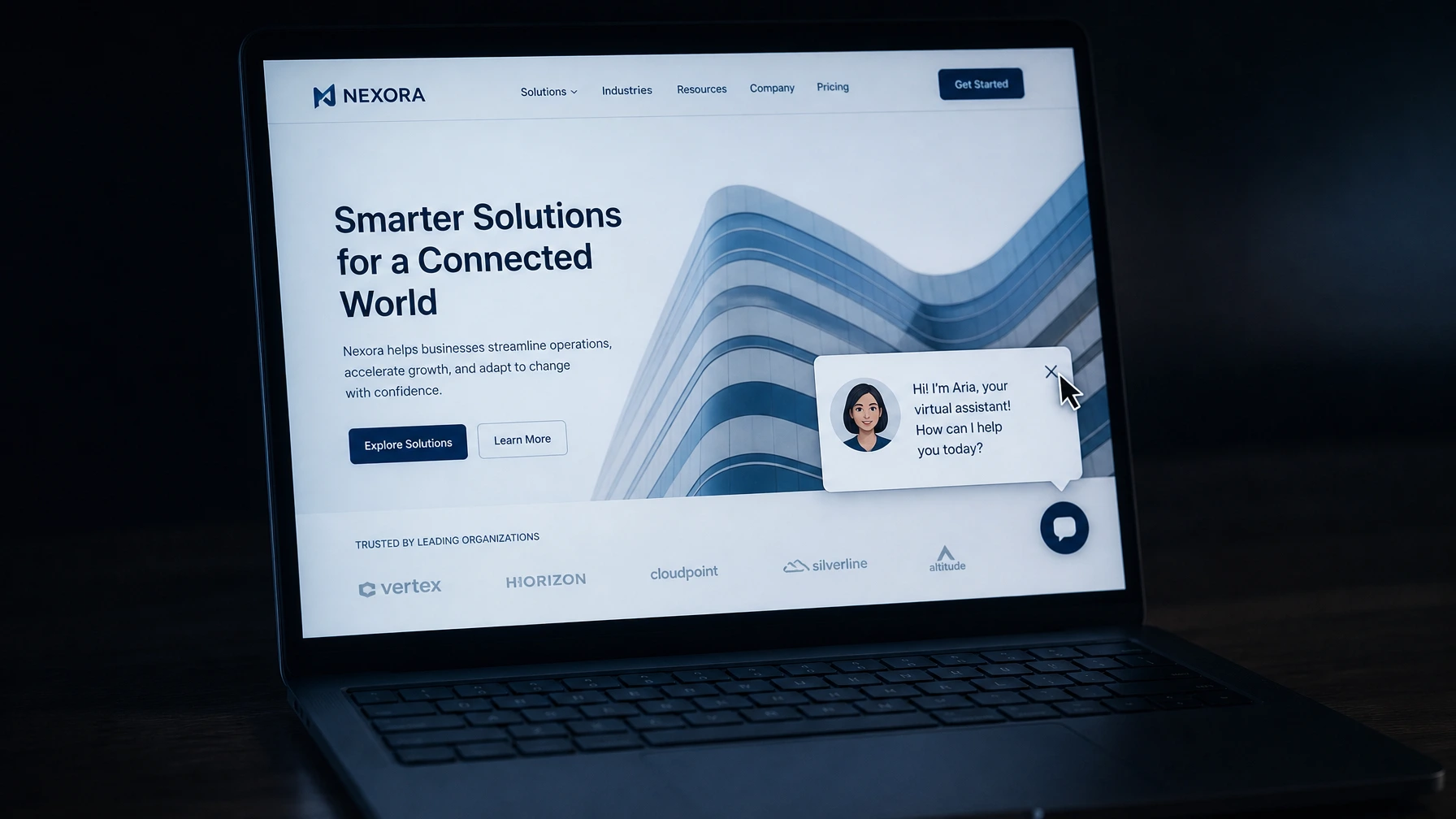
You’ve seen the bad ones. You land on a website and before you can read anything, a chat popup appears in the corner. “Hi! I’m Aria, your virtual assistant! How can I help you today?” You close it immediately. Everyone closes it immediately.
That’s not what I’m talking about.
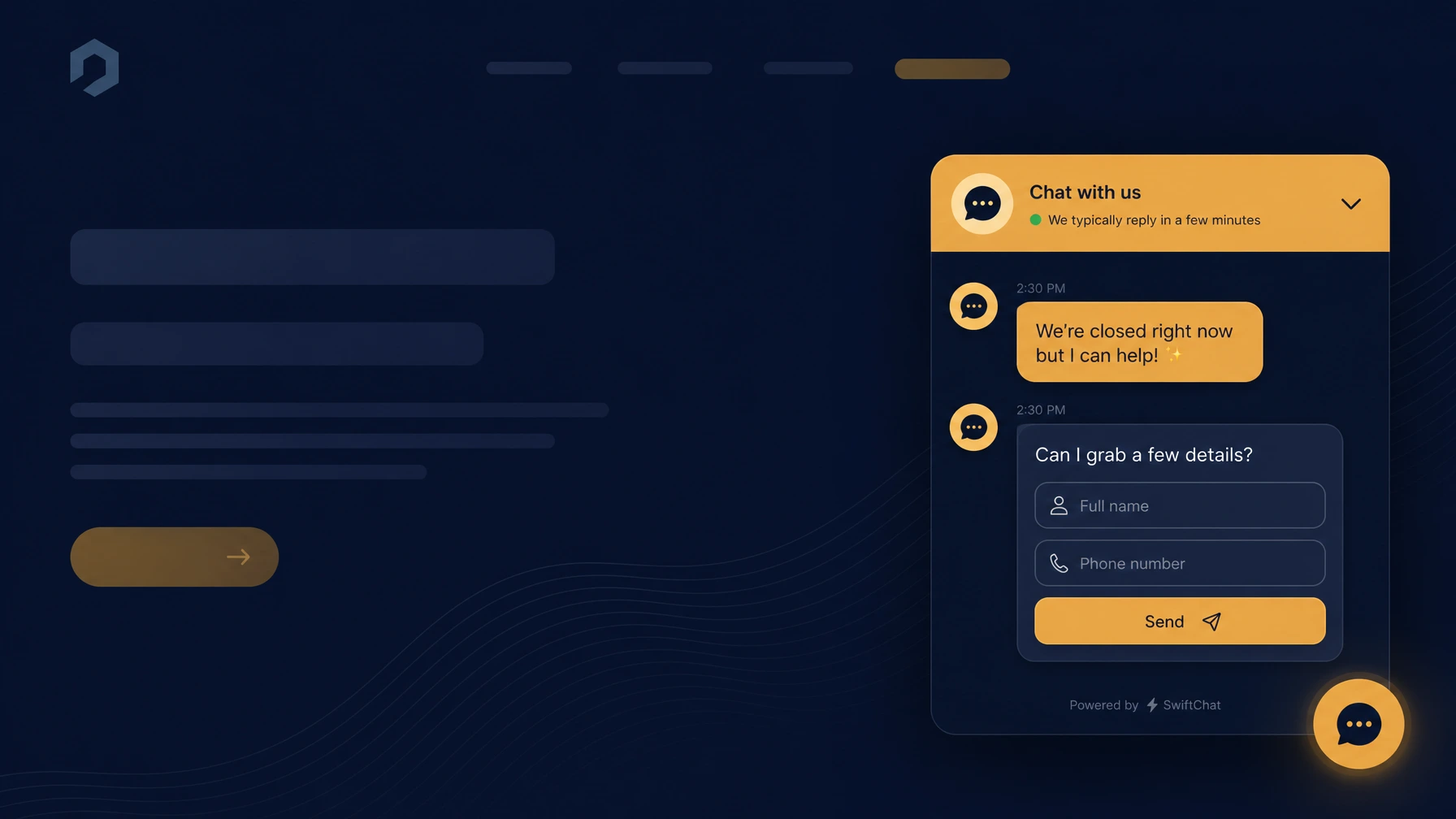
There’s a version of an AI chatbot that actually earns its spot on a website. It answers the same five questions that come in every single day. It handles them at midnight when you’re asleep. It doesn’t pop up uninvited. It’s just there when someone goes looking.
Whether that version is right for your business is a different question.
What a good website chatbot actually does
A well-set-up AI chatbot does one thing: it answers questions your site already should be answering but isn’t.
“What are your hours?” “Do you serve West Covina?” “How do I book an appointment?” “Do you take walk-ins?” “What’s included in the basic package?”
These questions come in by phone, by email, through your contact form. You answer them the same way every time. A chatbot trained on your actual content handles them faster than you can pick up the phone.
That’s the job. It’s not magic. It’s a fast FAQ with a conversation wrapper around it.
When it makes sense for your business
You get the same questions over and over. If you can list five questions you answer on repeat every week, a chatbot has a job to do. If every inquiry is different and complex, a chatbot won’t help much. It’ll either make things up or fall back to “please contact us,” which defeats the purpose.
You’re missing leads after hours. Restaurants, service businesses, medical offices. If a potential customer lands on your site at 9pm and can’t get a quick answer, they move on. A chatbot that answers “yes, we have parking” or “yes, we do same-day appointments” can close that gap.
You have solid website content already. This is the one most people skip. A chatbot is only as good as the information it’s trained on. If your website has thin copy, outdated pricing, and a contact form, the chatbot has nothing real to work with. Build the content first, then add the chatbot on top.
You’re getting real website traffic. A chatbot on a site that gets 20 visits a month won’t move anything. It’ll just add a monthly subscription fee. Check your analytics before you spend anything.
When to skip it
Here’s the thing I’d say even if it cost me a sale.
Most small business websites I look at in the SGV don’t need a chatbot yet. They need a website that actually loads fast, explains what the business does in plain English, and shows up in local search. That work moves the needle. A chatbot on a weak foundation is a distraction.
If your Google Business Profile isn’t complete, you don’t have at least 10 reviews, or your homepage crawls on mobile, fix those things first. Those issues cost you more leads than a chatbot will ever recover.
Also: if your business runs mostly on referrals and relationships, a chatbot adds nothing. Your clients aren’t landing cold on your site looking for answers. They already know you. Skip it.
What it actually costs
A basic AI chatbot for a small business website runs around $20 to $50 a month depending on the tool. Tidio, Chatbase, and Botpress all have plans in that range. You train it on your website content, set the style, and embed it with a short code snippet.
Setup takes roughly two to four hours the first time. Most of that is writing the answers to your most common questions and testing the bot to make sure it doesn’t say something wrong.
If the chatbot handles five conversations a day that would otherwise hit your inbox, you’re getting back maybe 30 to 45 minutes a week. At $40 a month, that math works if your time is worth anything. If it saves one real booking per week that you would have missed, it’s already paid for itself.
What to do before you add one
- Write down the five most common questions you get. Phone calls, texts, contact forms. If you can’t come up with five, a chatbot won’t have enough work to do.
- Check your website content. Do you have a page that answers each of those questions clearly? If not, build the content first. The chatbot is a layer on top of content that already exists.
- Look at your traffic. Open Google Analytics or Search Console. Are you getting enough visitors for a chatbot to matter? Fewer than 50 visits a month is probably too low to bother.
- Start with a free trial. Tidio has a free tier. Chatbase has a free account. Don’t pay before you’ve tested it with real visitors for a few weeks.
A lot of the businesses I talk to in West Covina land on step two. The website doesn’t have the content yet. That’s not a chatbot problem. That’s a website problem, and it’s the more important one to fix first.
Not sure if your site is ready for a chatbot? Book a free 30-minute chat. I’ll look at what you have and give you a straight answer.
If your site is ready, here’s what an AI chatbot setup actually includes and what it costs. If it isn’t, that’s usually a small business web design job first, because a chatbot on a site nobody can use does not fix anything.