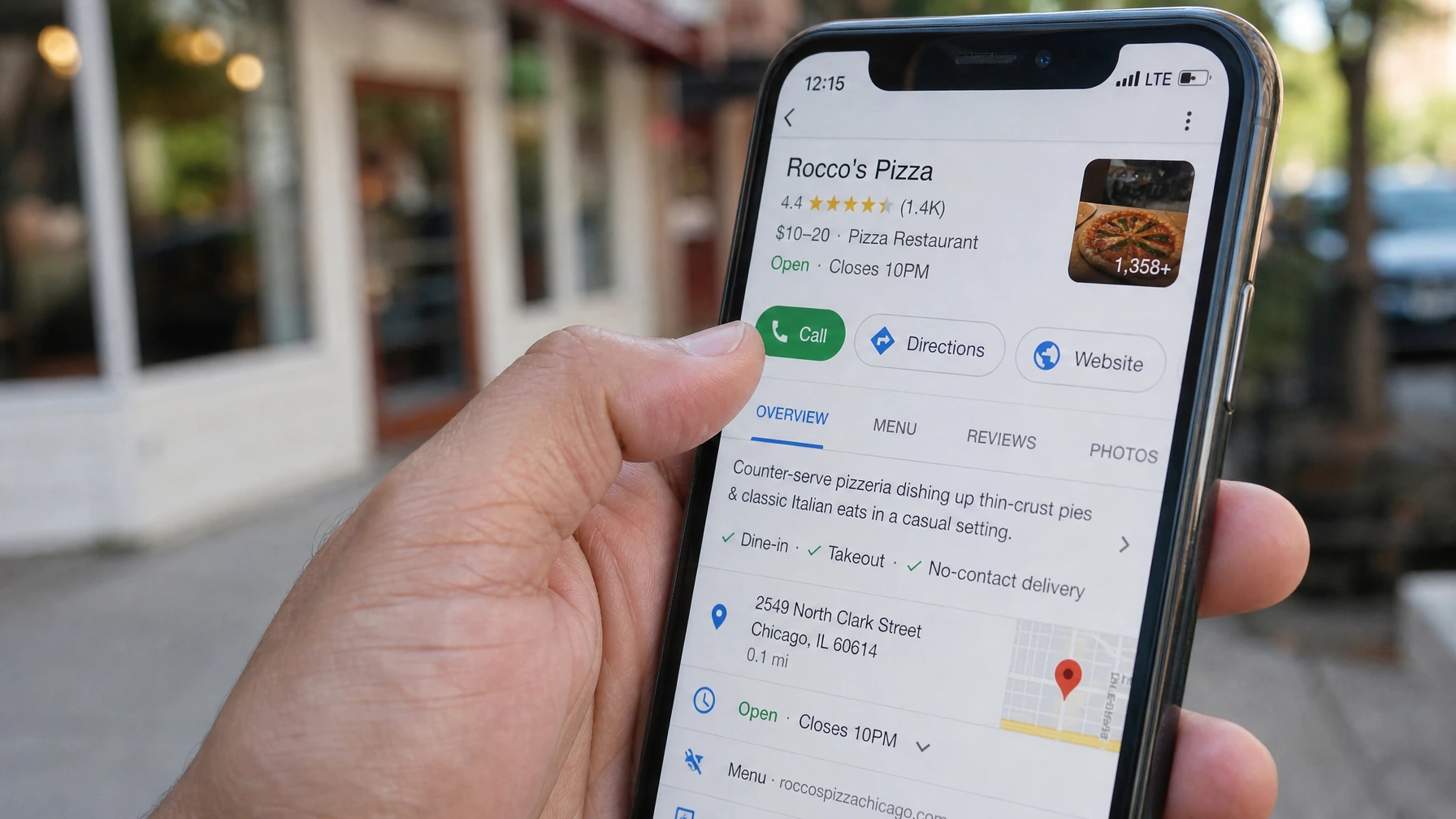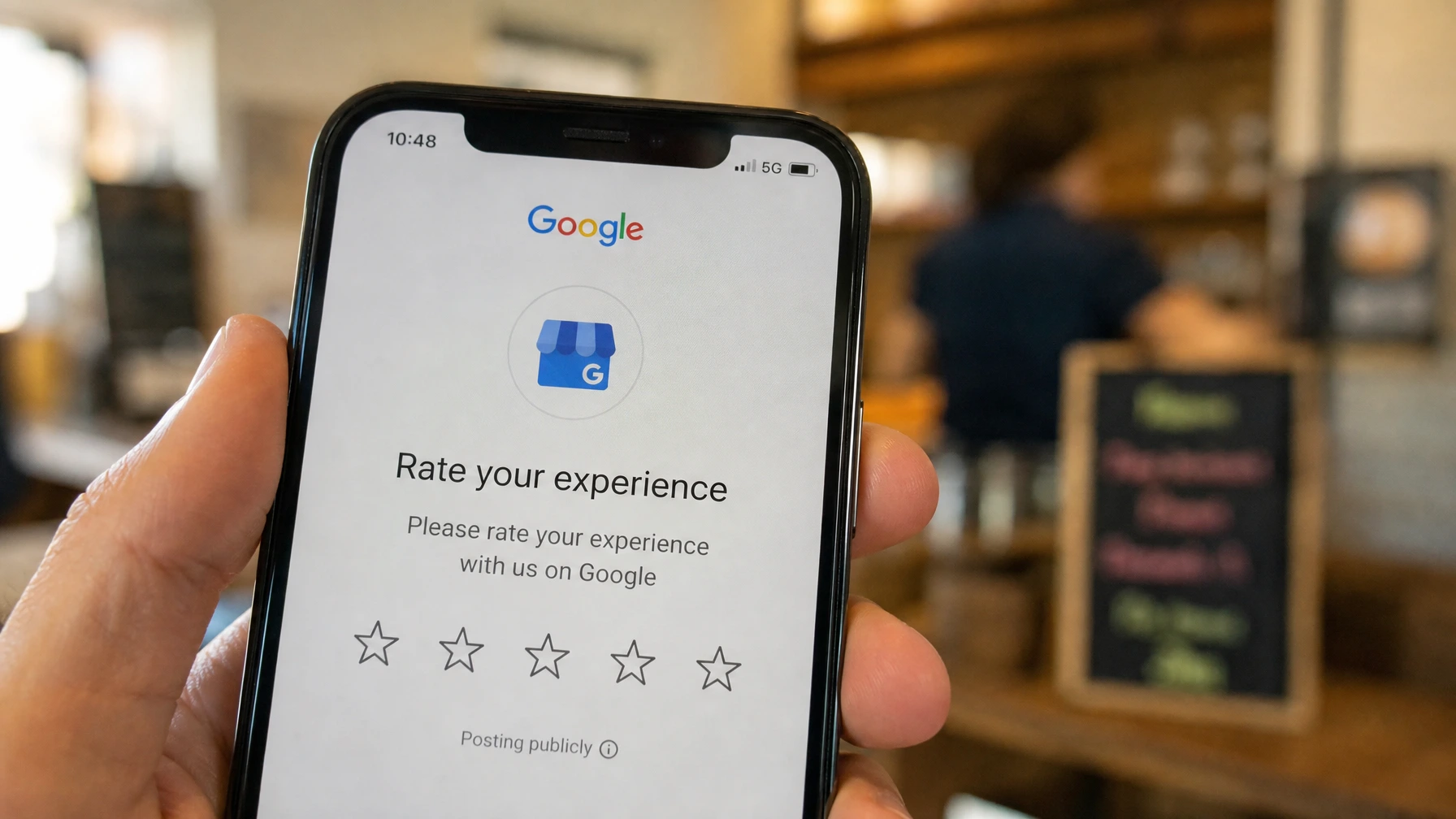
Most small businesses in the San Gabriel Valley have the same problem. They do good work. Their customers are happy. And they have eleven Google reviews, six of which are from 2021.
It’s not because customers don’t want to leave reviews. It’s because nobody asks. And when someone does ask, they do it wrong.
Here’s a system that actually works. The whole thing takes about 30 minutes to set up.
Why Google reviews matter more than most people think
Before the how-to, a quick reason to care.
When someone searches “electrician West Covina” or “hair salon Covina,” Google looks at three things to decide who shows up: relevance, distance, and prominence. Reviews are a big part of prominence. More reviews, and reviews with higher ratings, push you up in local results.
A business with 80 reviews at 4.6 stars will almost always outrank a business with 12 reviews at 4.9 stars. Volume matters. Recency matters too. Google wants to see that reviews are still coming in, not that you got a bunch three years ago and stopped.
Step 1: Get your review link
You need a direct link that takes someone straight to the review box. Not to your Google Business Profile homepage. Straight to the review form.
Here’s how to get it:
- Go to Google Business Profile and sign in.
- In your dashboard, look for “Get more reviews” or “Share review form.” It’s usually on the home tab or under the promotion section.
- Copy that link.
That link is the foundation of everything below. Save it somewhere you can find it.
If you can’t find it, search Google for your own business name. When your business card appears on the right side, scroll down and click “Write a review.” Copy the URL from that page. Same thing.
Step 2: Make the link easy to share
A long Google URL is ugly and hard to type. Shorten it.
Go to bit.ly and create a free account. Paste your Google review link in and create a short custom link. Something like bit.ly/review-yourshopname.
Now you have something you can text, put on a receipt, write on a card, or add to an email signature. One link, everywhere.
Step 3: Ask at the right moment
This is where most businesses get it wrong. They ask too late or in the wrong situation.
The right moment is right after a good experience, while the feeling is still fresh. Not a week later in a follow-up email. Not on the receipt as the customer is walking out. At the moment you know they’re happy.
For a service business, that’s usually right after you finish the job and the customer says something positive. For a restaurant or retail shop, it’s at checkout when they’re smiling.
What to say out loud: “I’m really glad it worked out. If you have a minute, a Google review would genuinely help my business. I can text you the link right now if that’s easier.”
That’s it. Short, honest, no pressure. Most people say yes.
Step 4: Text the link, don’t email it
Email gets ignored. Texts get read.
If the customer gives you their number, send the link within a few minutes of asking. The message doesn’t need to be long:
“Hey, this is [Name] from [Business]. Here’s that Google review link I mentioned: [your bit.ly link]. Takes about 30 seconds. Really appreciate it.”
If you only have an email, send it the same day. Subject line: “Quick favor from [Business Name].” Keep the email three sentences max. Long emails about reviews get deleted.
Step 5: One follow-up, then stop
If they don’t leave a review within a few days, send one follow-up. One. Something like:
“Hi [Name], just a quick follow-up on the Google review. No worries at all if it’s not a good time. Here’s the link if you do get a chance: [link].”
After that, leave it alone. Two asks is fine. Three feels pushy and can sour a good customer relationship. The ones who are going to do it will do it.
What not to do
A few things that can actually hurt you:
Don’t offer anything in exchange for a review. No discounts, no free items, nothing. Google prohibits it and can remove your reviews or penalize your listing if they catch it.
Don’t ask for reviews in bulk on the same day. If fifteen reviews come in over a weekend, Google’s system flags it as suspicious. Organic and spread out is what you want.
Don’t ask unhappy customers. This sounds obvious but it’s worth saying. Only ask when you’re confident the experience was good. A bad review from a rushed ask does more damage than no review at all.
A simple weekly habit
Once the system is in place, make it a habit. Pick three customers a week to ask. Just three. That’s 150 reviews a year if half of them follow through.
Most businesses I work with in the SGV go from a stale review count to 30 or 40 new reviews within a few months just by asking consistently. No ads, no tools, no budget. Just the habit.
If you want to automate it
Once you’re comfortable with the manual process, this is a good candidate for automation. An n8n workflow can send the review request text or email automatically after a job is marked complete, an appointment is checked out, or a payment is processed. You set it up once and it runs on its own.
If that’s interesting, the free workflow templates are a good starting point. Or if you’d rather I just set the whole system up for you, that’s a service I offer directly.
Want help getting your Google Business Profile fully set up before you start collecting reviews? Book the free 30-minute chat. It’s worth making sure the foundation is right first.